Organize Your Creative Life: Smart Systems for Designers and Content Creators
Most designers and content creators believe creativity should be "free."
In practice, that mindset creates missed deadlines, inconsistent output, half-finished ideas, and creative burnout.
The reality is simple: Creativity does not scale without structure.
If you rely on inspiration alone, your output will always be unstable. Professionals don't wait for ideas — they capture, organize, and execute them systematically.
The Core Principle: Systems Enable Creativity
You don't need more ideas. You need a way to store them, a way to prioritize them, and a way to execute them.
Without that, ideas remain unused, work becomes reactive, and progress slows.
System 1: Idea Capture System (Your Creative Input Layer)
Purpose: No idea is lost, no mental overload, constant creative input.
Tools: Notion, Obsidian
Create a simple structure: Inbox, Content Ideas, Design Concepts, References.
Capture Rules: Capture immediately, no editing while capturing, keep it fast.
Your brain is not a storage system. If you don't capture ideas, they disappear, you rely on memory (which fails), and creativity becomes inconsistent.
System 2: Idea Organization & Filtering
Capturing is not enough. You must filter and prioritize.
Most creators collect ideas but never use them. Introduce a filtering layer.
Once or twice per week: review captured ideas, categorize them, select high-value ones.
Selection Criteria: Is this useful? Is this relevant to my audience? Can I execute this now?
Move selected ideas into a "Ready to Create" list.
System 3: Task & Execution System
Ideas without execution are useless.
Bad: Create design Good: Design landing page hero section in Figma (2 hours)
Tools: Notion, Todoist
Execution Rules: Limit daily tasks (3–5 max), define time blocks, avoid vague work.
Key Insight: Clarity reduces resistance. If a task is unclear, you will delay it.
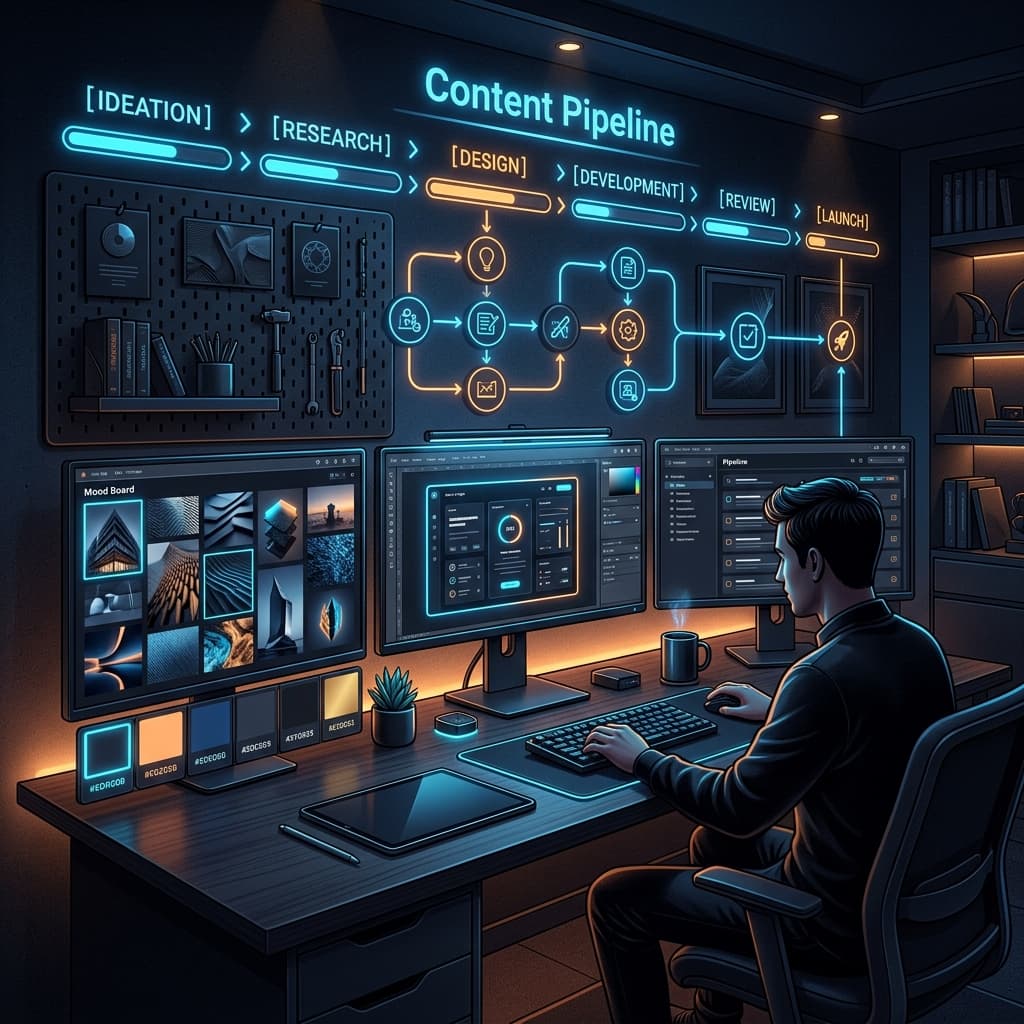
System 4: Content / Design Production Pipeline
This is where most creators fail. They don't have a pipeline.
Build a clear pipeline: Idea → Draft → Edit → Final → Publish
Each stage has a purpose: Idea (selected concept), Draft (rough creation), Edit (refinement), Final (polished output), Publish (distribution).
This reduces confusion, standardizes workflow, and improves quality.
System 5: File & Asset Organization
Disorganized files slow everything down.
Tools: Google Drive, Dropbox
Structure: Projects → Project Name → Assets/Drafts/Final
Rules: Consistent naming, no random file locations, separate drafts and final versions.
System 6: Time & Focus Management
Without focus, systems fail.
Common Problems: Multitasking, constant notifications, context switching.
Solutions: - Time Blocking: Work in 60–90 minute sessions - Single-Tasking: One task at a time - Environment Control: Close unnecessary apps
Result: Higher quality work, faster completion, less mental fatigue.
System 7: Review & Improvement Loop
If you don't review your work, you don't improve.
Weekly Review Questions: What did I complete? What slowed me down? What needs improvement?
Improvement Actions: Simplify systems, remove unnecessary steps, clarify tasks.
Common Mistakes Creators Make
Be direct with yourself: - No system (working randomly) - Too many ideas, no execution (collecting instead of creating) - Poor organization (losing files and context) - Overcomplicating tools (using too many apps)
Advanced Insight: Systems Reduce Creative Resistance
Most creators think "I don't feel creative today." That's often false. The real issue is no clear starting point and no defined process.
Systems fix this. They tell you what to do, when to do it, and how to do it.
Final Perspective: Organization Is a Competitive Advantage
Most creators work randomly and produce inconsistently. If you build systems, you produce regularly, improve faster, and stand out.
Action Plan: 1. Create an idea inbox 2. Define your pipeline 3. Plan tomorrow's tasks clearly 4. Organize your files
Creativity is not just inspiration. It is captured, organized, and executed.